

How to Connect your Magewell USB device to a type C connector
With USB Type C small interface more modern laptops and the latest tablets are now being supplied with only USB Type C interfaces.
Connecting a Magewell USB device to a USB Type C connector couldn't be easier, you just have to follow a few simple rules.
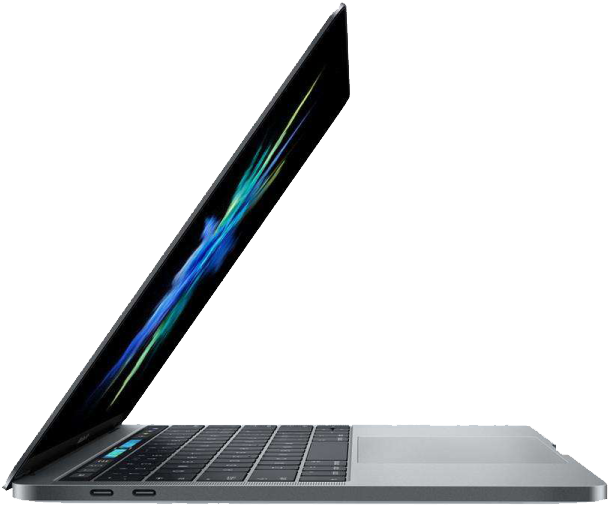 |
Because USB Capture and USB Capture Plus devices use Type A interface, they can’t be directly connected to device that only come with a USB Type C interface. |
The only rules you need to follow are:
| 1. ALWAYS use a high-quality USB Type A- Type converter. | 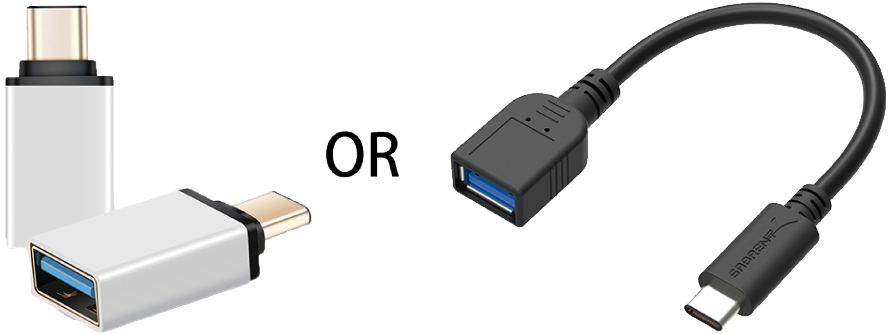 |
|
|
And 2. Use the ORIGIONAL USB Type A cable that came with your Magewell capture device. |
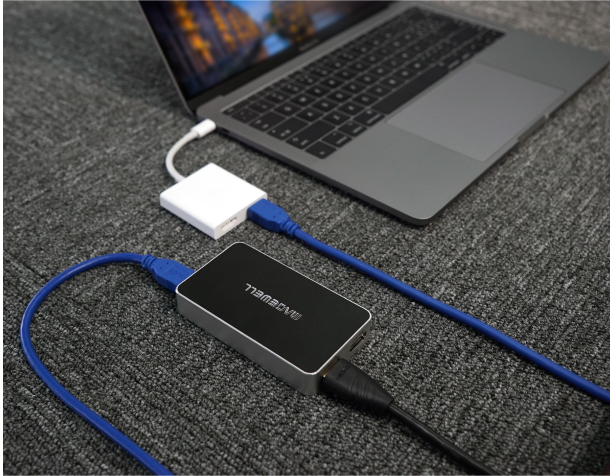
Thats it. Your done connecting your Magewell unit to your laptop or tablet device and its ready to use to capture from your desired source.
|
Please note. A standard USB Type A to Type C converter cable, shown in the image below cannot be used. When connected via USB Type C, the capture device will still transfer data at USB 3.0 speed. |
|
|
|
